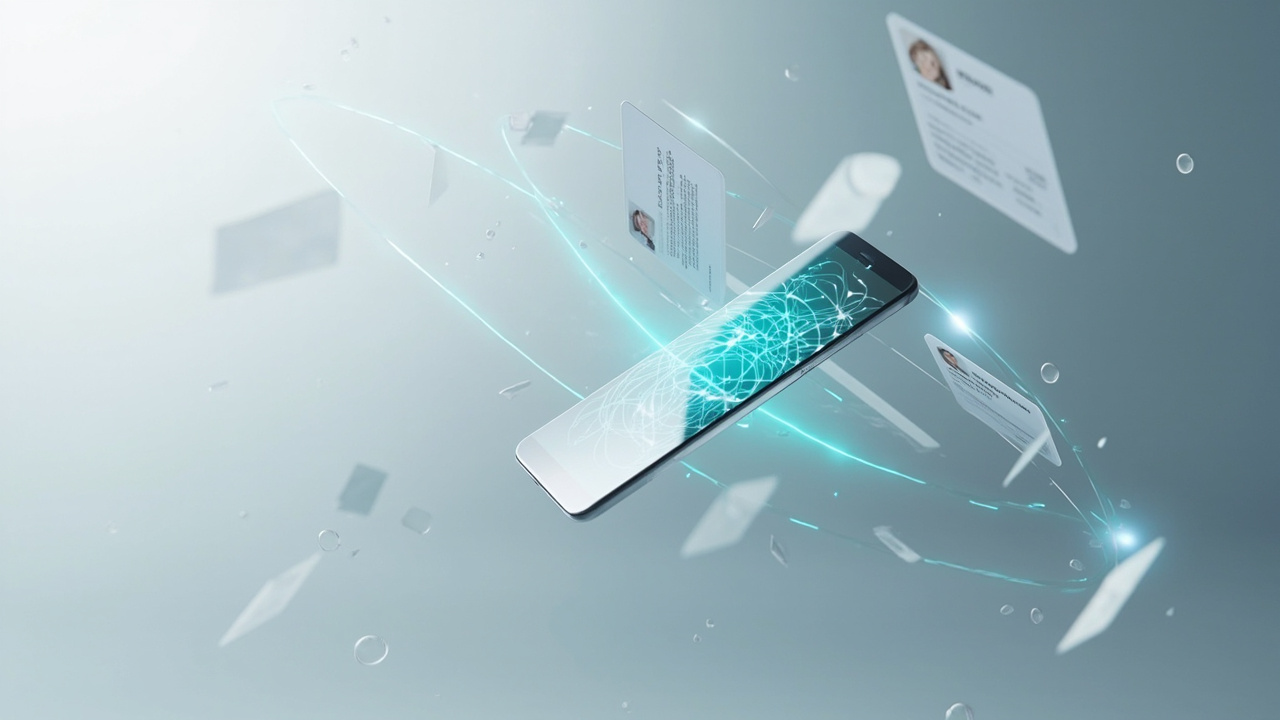
Why a Wallet Card Beats Paper
The contrast between a paper business card and a digital wallet-based identity tool reveals a fundamental shift in how professionals connect and stay connected. Paper cards have served us for generations, but they come with built-in limitations that digital formats remove.
The first advantage is speed. A paper card still forces the other person to do work later. They need to keep it, read it, type your information, and hope they do not make mistakes. A QREasy vCard QR shortens that path dramatically by opening the contact-saving flow right away, so your details are saved directly into the recipient’s phone contacts in seconds.
The second advantage is flexibility. A paper card can only carry so much. A QREasy wallet-based Micro Page card can do more. You keep it in your own Apple Wallet or Google Wallet, and when someone asks what you do, you open it and let them scan into a page that shows your fuller business identity. That means your card can move from simple contact sharing to richer explanation without changing the behavior that makes it easy to use.
The third advantage is clarity. Instead of forcing one business card format to do everything badly, QREasy gives you two cleaner options: one for saving contact details instantly, and one for sharing a more complete professional presence.
The Moment Your Paper Card Disappears
The real problem with paper business cards is not that they are old. It is that too much happens after the handoff. The card goes into a pocket, onto a desk, into a bag, or straight into a stack with ten others. By the time the other person looks at it again, the moment is gone.
With a QREasy vCard QR, the key action happens immediately: your contact details are saved directly into the other person’s phone contacts. With a QREasy wallet-based Micro Page card, the next step also happens immediately: your micro page opens on their phone so they can understand who you are and what you do while the conversation is still fresh.
That is the real improvement. Digital identity tools do not just replace paper. They reduce the delay between introduction and action. And in follow-up, delay is often where opportunities die.
How It Reduces Contact Errors
Manual data entry is the enemy of accurate contact records. Even with the best intentions, the person on the receiving end of your introduction is likely distracted, in a hurry, or juggling several conversations at once. They try to type your number and get one digit wrong. They misspell your name. They forget your title or your company. That is how good conversations turn into dead ends.
A QREasy vCard QR removes this problem because it opens the contact-saving flow directly on the recipient’s phone. They save the details to their phone contacts as structured data instead of retyping them. That means the right name, the right number, the right email address, and a cleaner path to future follow-up.
A Micro Page solves a different problem. It does not exist mainly to eliminate typing mistakes. It exists to give people more context after the scan. If someone wants to know more than your contact details, your micro page can show your services, links, offers, booking paths, payment options, social profiles, and more. It can also include a save-vCard section, so instant contact saving still remains available as one of the actions on the page.
Wallet Card versus Micro Page
Bad contact data is where many business relationships stall, but the problem is not only accuracy. Contact details are only part of what people often need. QREasy solves two separate challenges with two distinct tools: a vCard QR flow that helps people save your details directly into their phone contacts, and a wallet-based Micro Page card that helps people understand more about you after the scan.
A vCard QR is best when the priority is speed and precision. Name, phone, email, company details, saved correctly and immediately into the recipient’s phone contacts. It is designed for the moment when the most important outcome is becoming a saved contact without friction.
A wallet-based Micro Page card serves a different purpose. You add the card to your own Apple Wallet or Google Wallet, and when someone asks what you do, you show that card and let them scan the QR code. That scan opens your micro page or microsite on their phone. There, they can see your broader business identity: services, offers, menus, links, social accounts, bookings, payments, website, and more. And because the Micro Page builder supports richer functionality, you can also add a save-vCard section there, so contact saving becomes one useful action among many.
In other words, the difference is simple. vCard QR is for instant contact saving. A wallet-based Micro Page card is for instant business context and a fuller digital presence.
One QR Code, Two Possibilities
You do not have to choose between fast contact saving and a richer introduction. QREasy lets you use each tool where it makes the most sense.
For quick contact exchange, use a vCard QR. The scan opens the contact-saving flow on the recipient’s phone, and they save your details directly into their phone contacts. That is the cleanest path when your main goal is follow-up.
For a fuller business identity, use a wallet-based Micro Page card. You keep that card in your own Apple Wallet or Google Wallet, open it when someone asks what you do, and let them scan through to your micro page or microsite. That page can explain your business, show your services, link to bookings, payments, websites, social profiles, menus, offers, and much more.
And because a Micro Page can also include a save-vCard section, the richer route does not remove the simple one. It just adds more context around it. This gives you two possibilities: one scan for instant contact saving when speed matters, and one scan for a fuller digital identity when understanding matters.
Who Should Use a Wallet Business Card
With both options now clearly in view, the better question is not simply who should use a wallet business card, but which version fits their day-to-day reality best.
If you regularly meet people and your biggest challenge is getting your details saved correctly, a vCard QR is ideal. Consultants, sales professionals, founders, real estate agents, recruiters, account managers, event staff, customer-facing teams, and anyone who needs faster follow-up can benefit from this immediately.
If, on the other hand, people often ask for more than just your contact details, a wallet-based Micro Page card may be the better fit. This is especially useful for entrepreneurs, freelancers, service businesses, restaurants, clinics, salons, hotels, event organizers, and businesses that need to explain what they offer in a mobile-friendly way. In that case, your Apple Wallet or Google Wallet card becomes a convenient launch point into your fuller digital presence.
For many professionals, the strongest setup is not either-or. It is understanding which action you want the scan to trigger first: contact saving, or a richer page experience.
Getting Started with QREasy
Now that the difference is clear, here is how to start with QREasy in the right way. If your priority is helping people save your contact quickly and correctly, start with a vCard QR. You do not need technical knowledge to set it up. Add your contact details, generate the QR code, and you are ready to share a frictionless save-to-contacts experience.
If your priority is giving people a more complete view of your business, create a Micro Page and add its wallet card to your own Apple Wallet or Google Wallet. Then, when someone asks what you do, simply open your wallet and let them scan the QR code on your card to land on your micro page or microsite. From there, they can explore your services, links, booking options, offers, and more.
You can also combine both approaches. Start with the contact-saving use case, then upgrade to a richer digital presence when you need it. That is what makes QREasy practical: it does not force one format to do everything. It gives you a simple path for instant contact saving and a stronger path for fuller business identity.